If you’re streaming data (sensor values, telemetry, logs, etc.), a 2D plot animation is one of the most useful ways to see changes as they happen. The example below uses a rolling buffer to keep only the latest N_buffer samples and updates the plot at ~30 FPS.
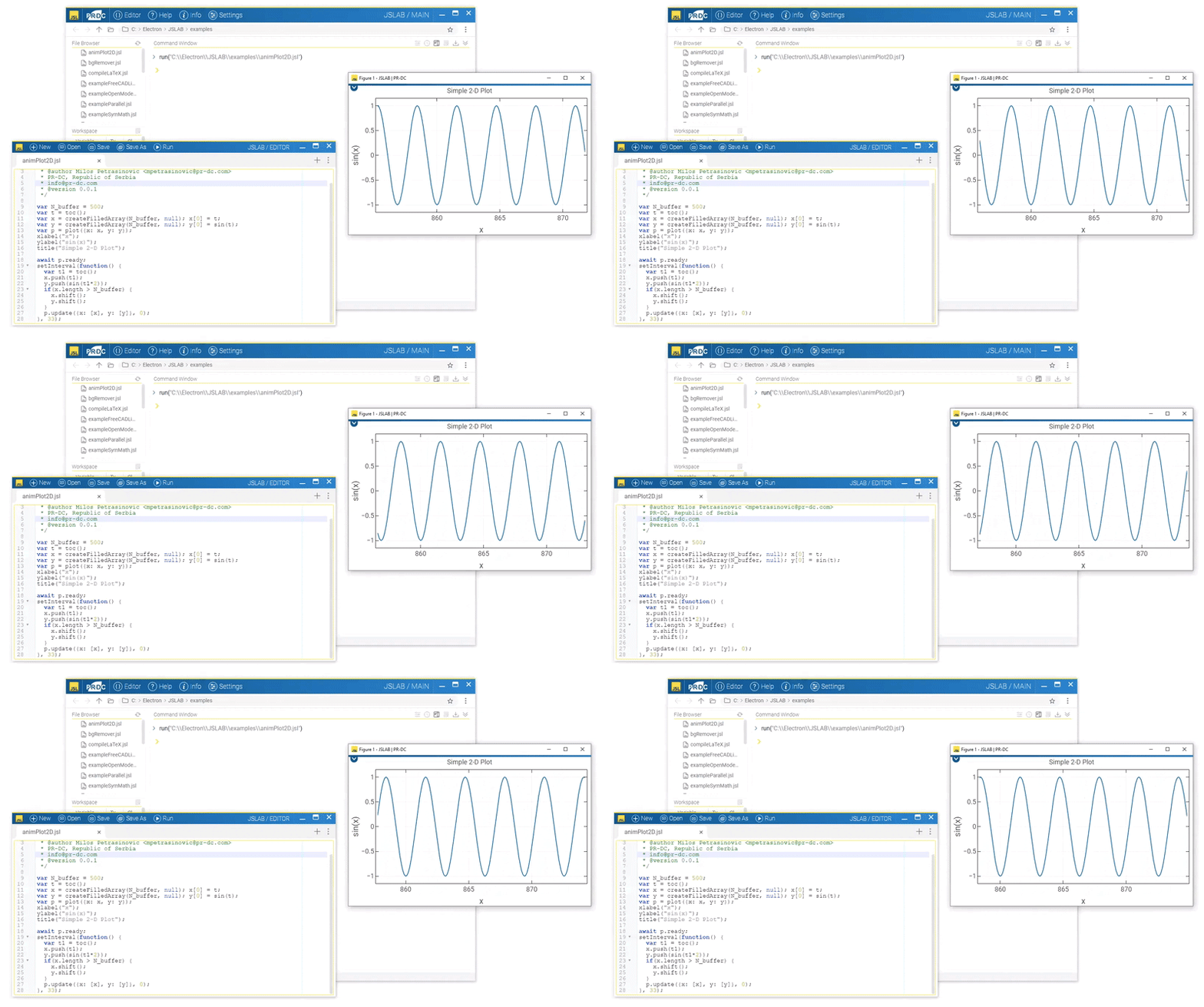
What this example demonstrates
-
Live plot updates using
p.update(...) -
A fixed-size “rolling” history buffer (
N_buffer = 500) -
Periodic updates via
setInterval(~33 ms)
Code
// Real-time 2D plot animation with rolling buffer

var N_buffer = 500;

var t = toc();
var x = createFilledArray(N_buffer, null); x[0] = t;
var y = createFilledArray(N_buffer, null); y[0] = sin(t);

var p = plot({ x: x, y: y });

xlabel("x");
ylabel("sin(x)");
title("Simple 2-D Plot");

await p.ready;

setInterval(function() {
  var t1 = toc();

  x.push(t1);
  y.push(sin(t1 * 2));

  // Keep only the latest N_buffer samples
  if(x.length > N_buffer) {
    x.shift();
    y.shift();
  }

  // Update trace 0
  p.update({ x: [x], y: [y] }, 0);
}, 33);
Notes / Tips
-
Increase
N_bufferfor a longer visible history (at the cost of more points to redraw). -
Lower the interval (e.g.,
16) for smoother motion (~60 FPS), higher for less CPU usage. -
Replace
sin(t1 * 2)with your real-time signal source (serial, socket, file tail, etc.).